Your data stays with your team
Each workspace is isolated; sign-in binds you to the right organization. Set a workspace timezone so dashboards and payment dates group the way your team works.
After spreadsheets, workspaces, roles, and export work the same during trial and paid plans.
Settings are split by topic, organization (timezone and base currency), billing, data import, developer API keys, and security.
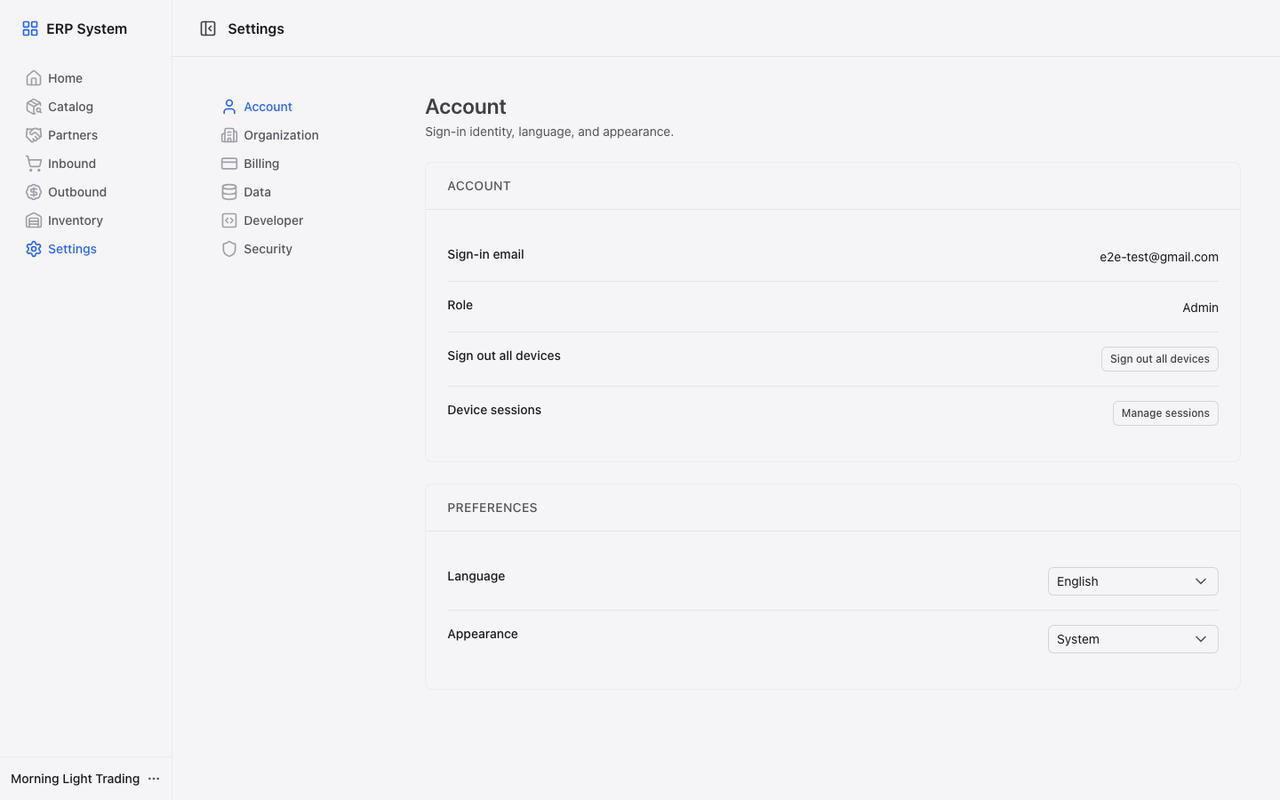
Each workspace is isolated; sign-in binds you to the right organization. Set a workspace timezone so dashboards and payment dates group the way your team works.
Admin, operations, and viewer roles plus custom roles admins define, control who posts documents or changes master data.
Optional two-step verification and backup codes reduce account takeover risk.
Switch UI language without changing your workspace data.
HTTPS everywhere, permission checks on sensitive actions, and workspace isolation by design.
Starter and above can create keys in Settings → Developer. The public REST API reads items, partners, warehouses, stock, purchase orders, sales orders, inbound receipts, and outbound shipments over HTTPS (per-plan key limits; about 60 requests per minute per key). OpenAPI docs live in the product.
Upgrade Starter or Growth and open the Lemon Squeezy customer portal from Settings → Billing.
Use HEITHON API keys to read catalog, stock, orders, and posted documents over HTTPS v1 endpoints.
Learn moreCreate a workspace, import or add master data, and post your first receipt or shipment to see totals align.