Sales and purchase orders
Confirm orders, track fulfillment, and turn them into shipment or receipt drafts in one click.
After spreadsheets, master data and posted documents share one source, no retyping across files.
Select a module to see annotated product screens.
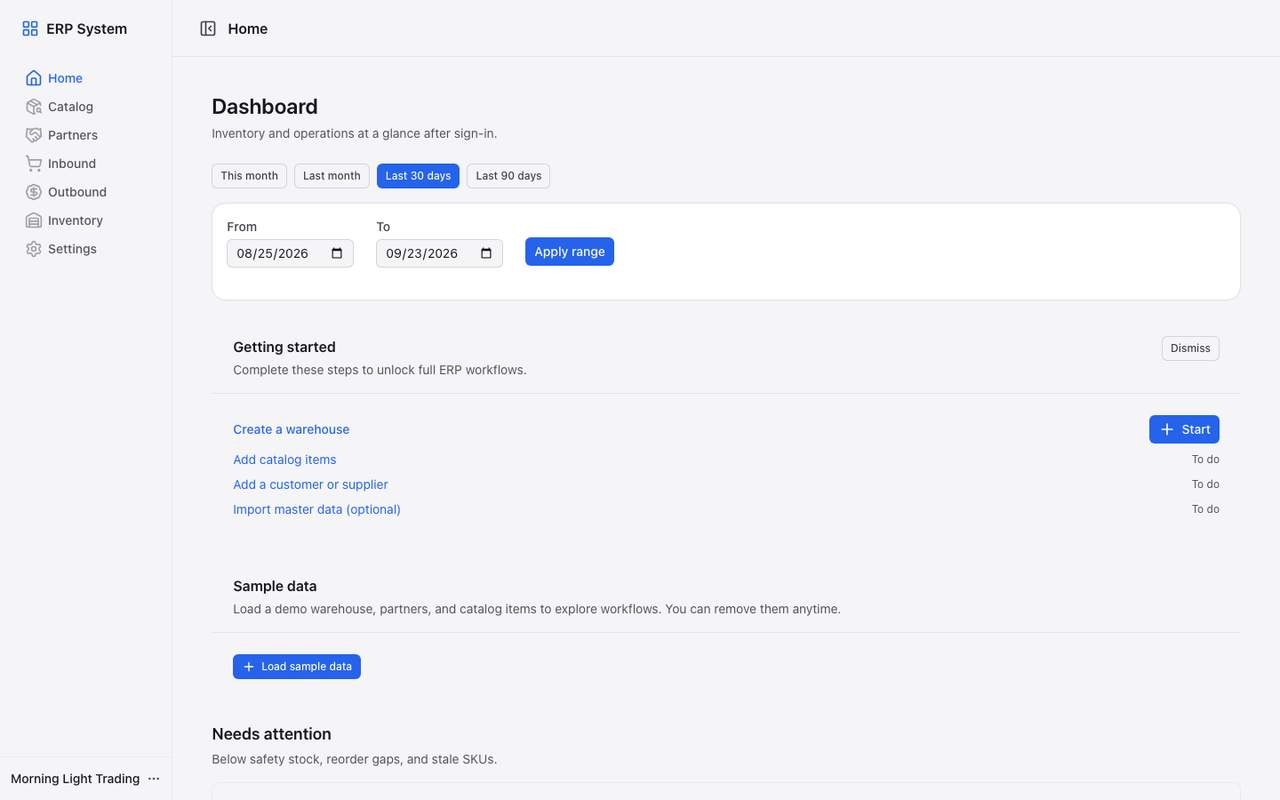
P&L, AR/AP aging, a payment calendar, and stock health on sign-in, no spreadsheet export first.
Orders, imports, productivity, and audit, without extra products to buy.
Confirm orders, track fulfillment, and turn them into shipment or receipt drafts in one click.
Jump to modules, actions, and settings from anywhere, fewer clicks for warehouse and back-office routines.
Save filters and column layouts on supported lists, set a default, and share consistent views with your team.
See import results, webhook events, and scheduled scans from the header, open items without digging through email.
Select multiple inbound or outbound documents on supported lists and run batch actions from the toolbar.
Copy a posted or draft document into a new draft so repeat suppliers or customers do not mean retyping lines.
Review status changes and key events on a document timeline when you need to reconstruct what happened.
Count in the warehouse, post variances as adjustments, and scan with a USB scanner or camera.
Import items, partners, or opening stock with preview validation and downloadable templates.
Maintain price lists that seed deal prices on shipments, and download PDFs for posted receipts and shipments.
Starter and above can create keys to read catalog, stock, orders, and posted documents over HTTPS (per-plan limits; rate limits apply).
Admins define role names and permission sets beyond built-in admin, operations, and viewer.
Browse a read-only trail of security and business events for your workspace.
Use CSV import for items and partners, or build master data by hand, post your first document within a week.
Import items and partners from Settings, or create them in catalog and partners, you do not need a perfect file first.
Use inventory adjustments for opening balances; inbound and outbound posting updates on-hand in one transaction.
After your first posted receipt or shipment, check KPIs and stock on the dashboard before adding more items.
Need help planning a cutover? Start a trial, the FAQ walks through spreadsheet onboarding.
Read onboarding steps in the FAQFrom dashboard to inbound and outbound, one source of truth.
Full 14-day trial. No credit card required.